
For years, businesses built their websites with desktop computers in mind. The mobile version was often an afterthought: a smaller, stripped-down version of the “real” site. But user behavior has flipped this model on its head. Today, especially in a market like Cameroon, the vast majority of your customers will find and interact with your business using a smartphone. Google recognized this trend and made a monumental change to how it sees the web: it now prioritizes the mobile version of your website for ranking and indexing. This is the core concept of mobile-first indexing.
What does this mean for your business? In simple terms, Google now predominantly uses the mobile version of your content for indexing and ranking. If your mobile site is slow, difficult to use, or missing important information that is on your desktop site, your Google ranking will suffer, even for people searching on a desktop. It does not matter how beautiful your desktop site is; if your mobile experience is poor, Google will see your entire site as poor.
For Cameroonian businesses, where the mobile phone is the primary gateway to the internet, adapting to this reality is not optional. It is the key to online visibility and success. This guide will provide a clear, step-by-step roadmap to get your website ready. We will break down the essential concepts and provide actionable strategies to ensure your site is built for the mobile user first, helping you climb the search rankings and connect with more customers.
1. What Exactly Is Mobile-First Indexing and its Importance in the Cameroonian Context?
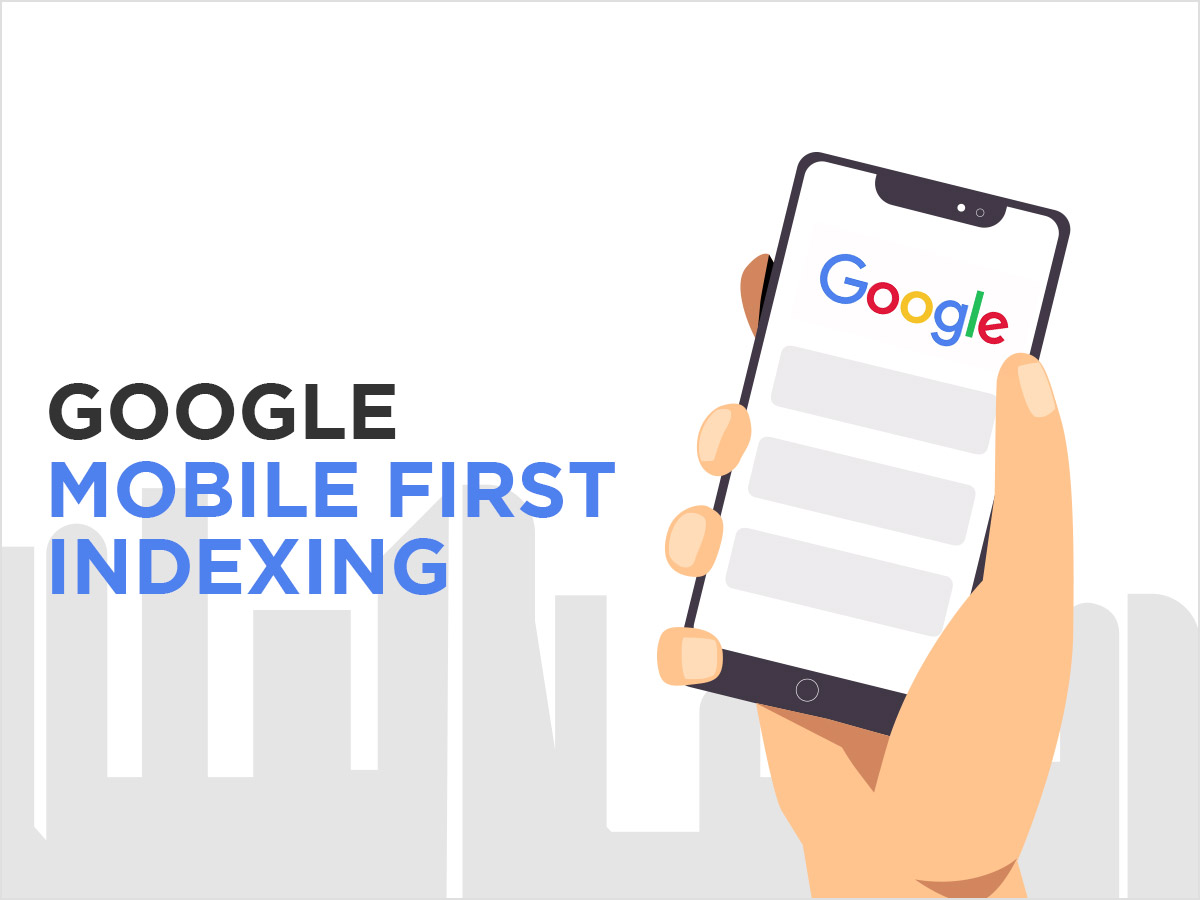
Let’s break this down into simple terms. “Indexing” is the process Google uses to discover, analyze, and store information from websites in its massive database so it can show them in search results. For a long time, Google’s “crawlers” (or “bots”) would look at the desktop version of a website to do this. With the switch to mobile-first indexing, Google now sends a crawler that simulates a mobile phone browser to look at your site. The version of your site that this mobile crawler sees is what Google considers the primary version.
This shift has profound implications, particularly in the Cameroonian context:
- A Mobile-Dominant Population: The number of people in Cameroon who browse the internet exclusively on mobile phones is massive. Your mobile site is your main site in the eyes of your customers. Google’s switch simply aligns its ranking system with this user reality.
- Impact on All Search Rankings: It’s crucial to understand that mobile-first indexing affects your rankings across all devices. A poor mobile experience can lower your visibility for users searching on desktops, laptops, and tablets, not just on phones.
- User Experience as a Ranking Signal: Google’s ultimate goal is to provide a good experience for its users. A website that is slow or hard to navigate on a phone is a bad experience. By prioritizing mobile-friendly sites, Google is rewarding businesses that cater to the majority of users.
- The Competitive Edge: In a growing digital market like Cameroon’s, many businesses still have outdated websites that are not optimized for mobile. By properly preparing your site for mobile-first indexing, you gain a significant competitive advantage in search engine results.
Ignoring this change is like building a beautiful shop but locking the main entrance that most of your customers use. You are making it unnecessarily difficult for people to find and engage with you.
2. The Cornerstone of Mobile-First Indexing: Responsive Web Design
The single most important step you can take to prepare for mobile-first indexing is to ensure your website has a responsive design. A responsive website automatically adjusts its layout and content to fit the screen size of any device, whether it’s a small smartphone, a tablet, or a large desktop monitor.
Instead of having two separate websites (e.g., yourbusiness.cm for desktop and m.yourbusiness.cm for mobile), you have one single website with one set of code and content that “responds” to the user’s screen.
Why Responsive Design is the Gold Standard
Google has explicitly stated that responsive design is its recommended approach. Here’s why:
- Content Parity is Automatic: This is a critical concept for mobile-first indexing. “Content parity” means that the content on your mobile site is the same as the content on your desktop site. With a responsive design, this happens automatically because there is only one version of your content. You don’t have to worry about hiding text or removing images on the mobile version, which could cause Google to miss important information.
- A Single URL: Having one URL for each page makes your site simpler for both users and search engines. It avoids confusion and technical issues associated with redirecting users between different versions of your site.
- Easier to Manage: Maintaining one responsive website is far easier and more cost-effective than managing two separate sites. Any update you make is instantly reflected across all devices.
- Improved User Experience: A responsive site provides a consistent experience for your users, regardless of how they access it. This builds trust and makes your brand feel more professional.
How to Check if Your Website is Responsive
The easiest way is to test it yourself. Open your website on a desktop browser. Click and drag the side of the browser window to make it narrower. Watch how the content reacts.
- Does the layout change to a single column?
- Does the text resize and reflow to remain readable?
- Does the navigation menu collapse into a “hamburger” icon (☰)?
- Do the images scale down correctly?
If the layout breaks or you have to scroll horizontally to see all the content, your site is not responsive. You can also use Google’s free Mobile-Friendly Test to get an official verdict.
If your site is not responsive, updating to a modern, responsive theme or template should be your absolute top priority. This is the foundation upon which all other mobile optimization efforts are built.
3. The Need for Speed: Optimizing Mobile Page Performance
In Cameroon, a user’s patience and their data plan are both finite resources. A slow-loading website wastes both. Page speed is a confirmed ranking factor for Google, and it’s even more critical under mobile-first indexing. The performance of your mobile site is what Google measures.
Your goal should be for your page to become visually stable and interactive within 3-4 seconds on a typical mobile connection. Here are the most impactful areas to focus on.
Aggressively Optimize Your Images
Images are almost always the biggest cause of slow mobile websites.
- Resize Before Uploading: Never upload a photo directly from your camera or phone. Resize images to the maximum dimensions they will be displayed at on your site. For a full-width banner on a mobile screen, this might only be 400-600 pixels wide.
- Compress, Compress, Compress: Use free online tools like TinyPNG to compress your resized images. This can reduce their file size by over 70% with no noticeable loss in quality.
- Use Modern Formats like WebP: This Google-developed format offers superior compression. Many WordPress plugins can automatically convert your images to WebP for browsers that support it.
Minimize Your Code (CSS, JavaScript, HTML)
Every plugin, animation, and fancy feature on your website adds code that must be downloaded and processed by the user’s browser.
- Audit Your Plugins: Deactivate and delete any WordPress plugins you are not using. Too many plugins are a primary cause of site slowness.
- Use a Lightweight Theme: Choose a theme that is built for speed (e.g., Astra, GeneratePress, Kadence). Avoid bloated themes that come packed with dozens of features you’ll never use.
- Minify Your Code: Minification removes unnecessary characters from your code files. Performance plugins like WP Rocket or W3 Total Cache can do this for you automatically.
Leverage Caching and Lazy Loading
- Browser Caching: This stores parts of your site on a user’s device, so they don’t have to be re-downloaded on subsequent visits.
- Lazy Loading: This technique loads images only as the user scrolls down the page, dramatically speeding up the initial load time.
Improving your mobile page speed is one of the most effective ways to prepare for mobile-first indexing. It directly improves your user experience and sends strong positive signals to Google.
4. Content and Structure for the Mobile User
Beyond technical performance, the content and structure of your mobile site must be designed with the mobile user in mind. Remember, this is the version Google is now primarily looking at.
Ensuring 100% Content Parity
This is a point worth repeating. All the valuable content that exists on your desktop site must also exist on your mobile site. This includes:
- The main text content of your pages.
- All images and videos (properly optimized, of course).
- Your product listings and descriptions.
- Customer reviews and testimonials.
In the past, designers would often hide content on mobile to “clean up” the design. With mobile-first indexing, this is a disastrous practice. If the Google mobile crawler cannot see the content, it does not exist for ranking purposes. Use your responsive design to reflow and restructure content, not to hide it.
Mobile-Friendly Navigation and UX
Navigating a website with your thumb is very different from using a mouse.
- Clear, Simple Navigation: Use a “hamburger” menu that is easy to find and tap. The menu options should be concise.
- Large, Tappable Elements: Buttons, links, and form fields need to be large enough to be easily tapped without accidentally hitting something else. There should be ample space around them.
- Readable Font Sizes: Don’t force users to pinch and zoom to read your text. Use a base font size that is comfortable to read on a small screen (16px is a good starting point).
- Prioritize “Above the Fold” Content: The most important information and call-to-action should be immediately visible when the page loads, without requiring the user to scroll.
- Avoid Intrusive Pop-ups: Full-screen pop-ups that are difficult to close on a mobile device are incredibly frustrating for users and can lead to a Google penalty.
A seamless user experience (UX) is a core component of a successful mobile-first strategy.
5. The Technical Details: Structured Data and Internal Linking
You need to ensure that the Google mobile crawler can understand the context of your content just as well as it could on your desktop site.
Consistent Structured Data
Structured data (or schema markup) is code you add to your site to help search engines understand your content. You might use it to identify a product, a recipe, a review, or an organization. It’s crucial that any structured data you have on your desktop site is also present on your mobile site.
If you have a responsive website, this should happen automatically. If you have a separate mobile site, you need to ensure you have duplicated all your schema markup. SEO plugins like Yoast SEO or Rank Math help automate the implementation of structured data on WordPress sites. You can use Google’s Rich Results Test to check the structured data on any URL.
Internal Linking Strategy
Internal links (links from one page on your site to another) are vital for helping Google understand your site structure and the relationship between your pages. Your internal linking structure must be consistent between your mobile and desktop versions.
Again, with a responsive site, this is not an issue. But if you have a separate mobile site, you need to make sure the mobile version isn’t missing important internal links that are present on the desktop version, as this could weaken the authority of your key pages in Google’s eyes. Ensuring your navigation menu and in-content links are identical is a key part of preparing for mobile-first indexing.
A Cameroonian Business’s Checklist for Mobile-First Indexing
Here is a practical checklist to help you audit your website and prepare for mobile-first indexing.
1. Website Design & Usability
- Is my website responsive? (Test with Google’s Mobile-Friendly Test and by resizing your browser).
- Is my navigation menu easy to use on a mobile device?
- Are my buttons and links large enough to be easily tapped?
- Is the text readable without needing to zoom?
- Have I avoided using intrusive, full-page pop-ups on mobile?
2. Content & SEO
- Does my mobile site contain all the same valuable content as my desktop site? (Content Parity).
- Are my page titles and meta descriptions consistent across both versions?
- Is my internal linking structure the same on mobile as it is on desktop?
- Is all my structured data present on the mobile version of my site?
3. Performance & Speed
- Have I run my site through Google PageSpeed Insights and reviewed the mobile report?
- Are all my images resized and compressed before being uploaded?
- Am I using a caching plugin to leverage browser caching?
- Is lazy loading enabled for my images?
- Have I chosen a lightweight theme and minimized my use of plugins?
By working through this checklist, you can systematically identify and fix the most common issues that will hold you back in a mobile-first world.
Mobile-first indexing is not a trend or a temporary update; it is the new reality of how the web works. For businesses in Cameroon, it’s a direct reflection of how your customers live and behave online. Embracing this change is not just about appeasing Google; it’s about providing a better, faster, and more accessible experience for the people you want to reach.
By focusing on a responsive design, optimizing for speed, and ensuring a seamless user experience on mobile, you are building a stronger, more resilient online presence. You are aligning your business with the future of the internet and positioning yourself to win in the increasingly competitive digital landscape of Cameroon.
Don’t wait for your traffic to drop to take action. Take a close, honest look at your mobile website today. What is the first thing you can do to improve the experience for a mobile user? Share your goals or ask your questions in the comments below. Let’s get your website ready for the mobile future, together.