
How to Build a Website With Hostinger in Cameroon in 2026
Building a website in Cameroon is now much easier than it used to be.
You do not need to understand coding, servers, databases, or advanced web design before launching your first site. With a hosting company like Hostinger, you can buy hosting, register a domain, install WordPress, use a website builder, create pages, add your contact details, and publish your business online.
This matters because customers in Cameroon increasingly search online before calling, visiting, messaging on WhatsApp, or trusting a business. A website gives your brand a stable online home that is not controlled by Facebook, Instagram, TikTok, or WhatsApp.
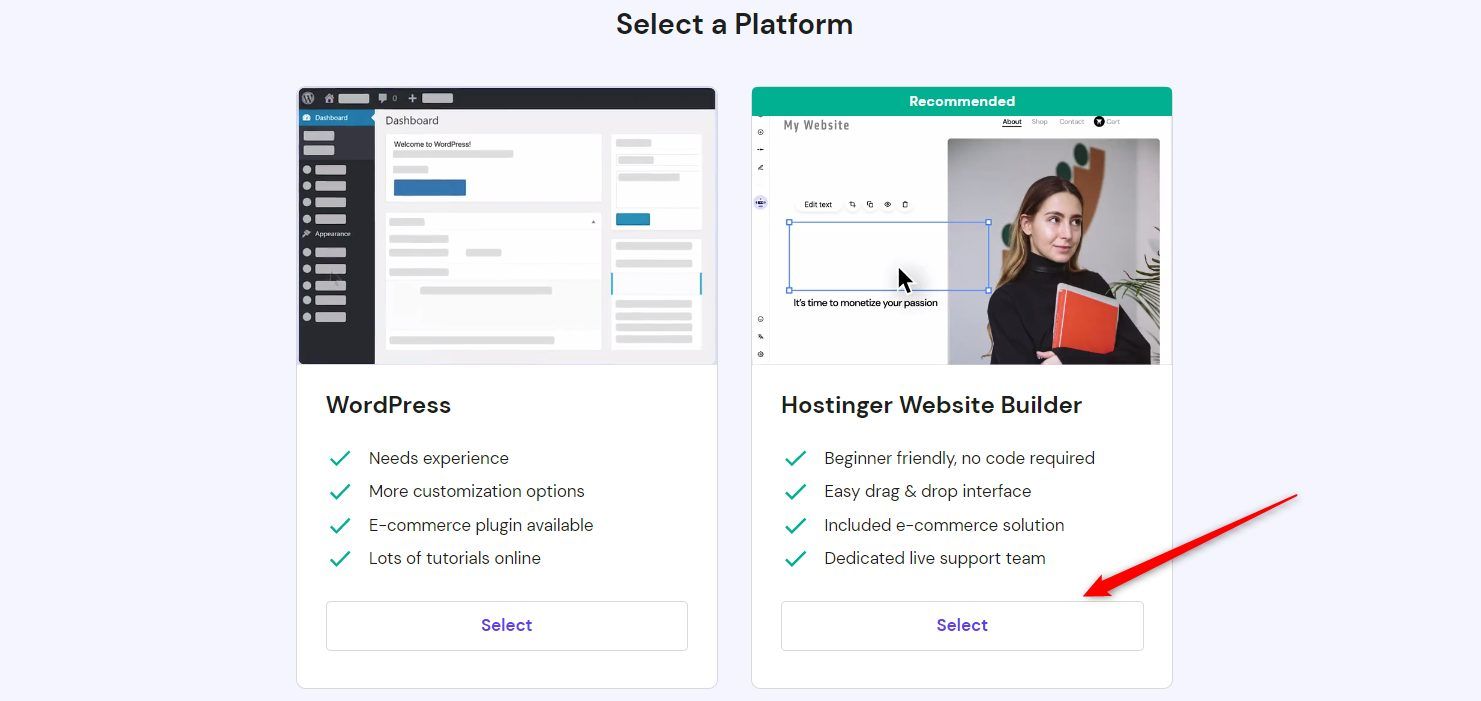
Hostinger’s own guide on setting up a hosting plan explains that users can choose a platform such as WordPress, Hostinger Website Builder, or another option during setup. That makes it suitable for beginners who want a guided process rather than a technical hosting dashboard only.
Step 1: Decide What Kind of Website You Need
Before buying anything, clarify the purpose of your website.
A restaurant may need a menu, location, WhatsApp button, booking information, and photos. A consultant may need service pages, credibility proof, testimonials, and a contact form. A boutique may need product categories, payment instructions, and delivery details. An association may need its mission, programs, donation details, and partnership information.
Your website goal determines the setup.
For a simple business website, Hostinger Website Builder may be enough. For a content-heavy site, blog, SEO strategy, course platform, or more flexible business website, WordPress is usually the better long-term option.
Hostinger’s guide on adding a website confirms that users can choose between WordPress and Hostinger Website Builder when adding a site to a hosting plan.
Step 2: Choose a Hosting Plan
Hosting is the online space where your website files live.
To buy hosting, go to Hostinger and choose a plan that matches your needs. Beginners should avoid overbuying. If this is your first website, you usually need reliable shared hosting or managed WordPress hosting, not a complex server.
Choose based on:
- Number of websites you want to host
- Whether you need business email
- Whether you want WordPress
- Whether you need e-commerce
- Storage and traffic needs
- Renewal price, not only first-year discount
- Support availability
Hostinger notes that Premium web hosting plans and above may allow users to create or migrate additional websites after setup. This can be useful if you plan to manage more than one project or business website later.
Step 3: Prepare Your Payment Method
For users in Cameroon, payment is an important practical step.
Hostinger’s payment help page explains that available payment methods and currency options vary depending on the Hostinger brand or regional website used, and that you should enter your current country of residence or business registration during purchase. It also notes that the currency of an existing Hostinger account cannot be changed later.
That means you should check the available payment options before starting checkout.
Many Cameroonian users may need an international debit card, credit card, PayPal where available, or another supported payment method. Do not assume MTN Mobile Money or Orange Money will be available directly unless Hostinger shows it at checkout for your account and region.
Step 4: Register Your Domain Name
Your domain is your website address.
Examples:
yourbusiness.com
youragency.net
yourbrand.org
yourcompany.cm
Hostinger’s guide on purchasing a domain name explains that users can search for a desired domain using the Domain Checker and register it if available.
Choose a domain that is:
- Short
- Easy to spell
- Close to your business name
- Professional
- Not confusing
- Easy to say on phone or WhatsApp
For a Cameroonian business, .com is usually the safest general choice because it is widely recognized. A .cm domain can also be useful for Cameroon identity, but availability and registration may depend on the registrar. IANA lists .cm as Cameroon’s country-code top-level domain, with registration services associated with NIC Cameroon.
If you already bought a domain somewhere else, you can still use Hostinger for hosting. Hostinger’s guide on pointing a domain to Hostinger explains that a domain registered with another provider can be linked to Hostinger by changing nameservers.
Step 5: Claim a Free Domain if Your Plan Includes One
Some Hostinger plans include a free domain for the first year.
Hostinger’s guide on registering a free domain explains that eligible hosting plans, such as Web Premium, Web Business, or cloud hosting plans with a 12-month or longer term, may include one-year domain registration for eligible extensions.
Read the conditions carefully.
A free domain is helpful, but you should still check:
- Which extensions are eligible
- What renewal will cost after year one
- Whether your preferred name is available
- Whether your business should own more than one domain variation
Your domain is a long-term brand asset. Choose carefully before publishing it on flyers, business cards, social media, and WhatsApp.
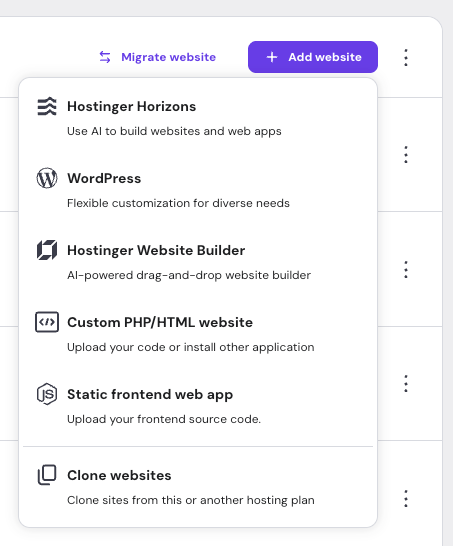
Step 6: Choose WordPress or Hostinger Website Builder
Hostinger will guide you toward a website-building method.
Option 1: Hostinger Website Builder
Choose this if you want the easiest visual setup.
It is useful for:
- simple company websites
- portfolios
- restaurants
- salons
- small service businesses
- landing pages
- beginners who do not want plugins
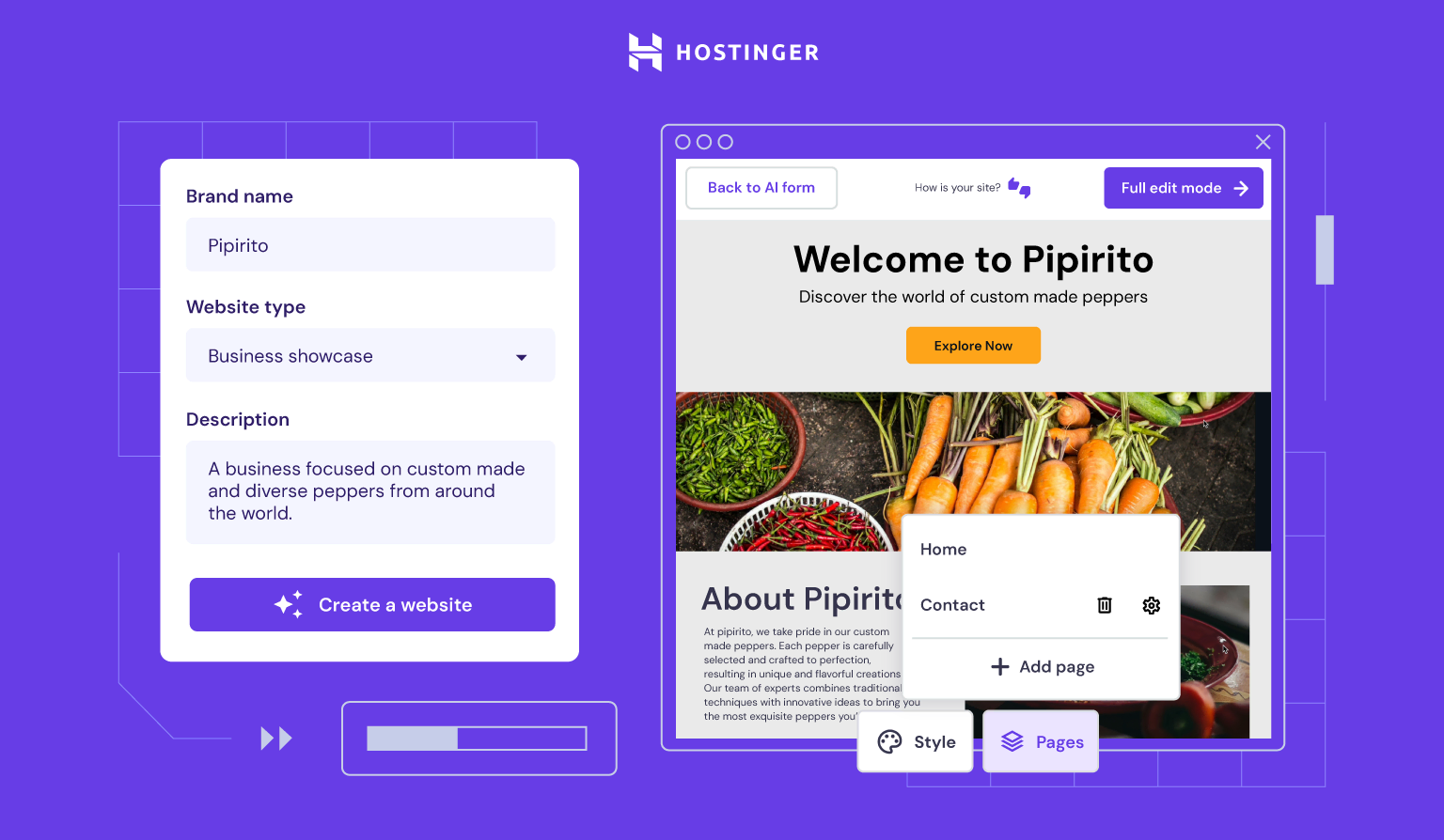
Hostinger’s help guide describes Hostinger Website Builder as an AI-powered visual drag-and-drop option.
The benefit is speed. The limitation is flexibility. If you plan to build a serious SEO blog, complex directory, advanced e-commerce site, course portal, or custom system, WordPress may give you more control.
Option 2: WordPress
Choose WordPress if you want more flexibility and long-term content control.
It is better for:
- business blogs
- SEO-focused websites
- agencies
- schools
- churches
- associations
- course websites
- news sites
- service businesses with many pages
- businesses that may need plugins later
Hostinger’s guide on adding a WordPress website explains that users can create a new WordPress website inside Hostinger and specify the domain or subdomain for the installation.
For most Cameroonian SMEs that want to rank on Google over time, WordPress is often the stronger strategic choice.
Step 7: Build Your Core Pages
Do not launch with only one homepage and a phone number.
A serious beginner website should include:
Home page: What you do, who you serve, and why customers should trust you.
About page: Your story, credibility, team, mission, and business background.
Services or Products page: Clear explanation of what you offer.
Contact page: Phone number, WhatsApp link, email, location, working hours, and map if relevant.
FAQ page: Answers to common customer questions.
Blog or Resources page: Useful articles that help customers and support SEO.
For Cameroon, include practical buying information: service areas, delivery options, Mobile Money instructions if relevant, WhatsApp contact, opening hours, and city names such as Douala, Yaoundé, Buea, Bamenda, Limbe, Kribi, Garoua, or your actual location.
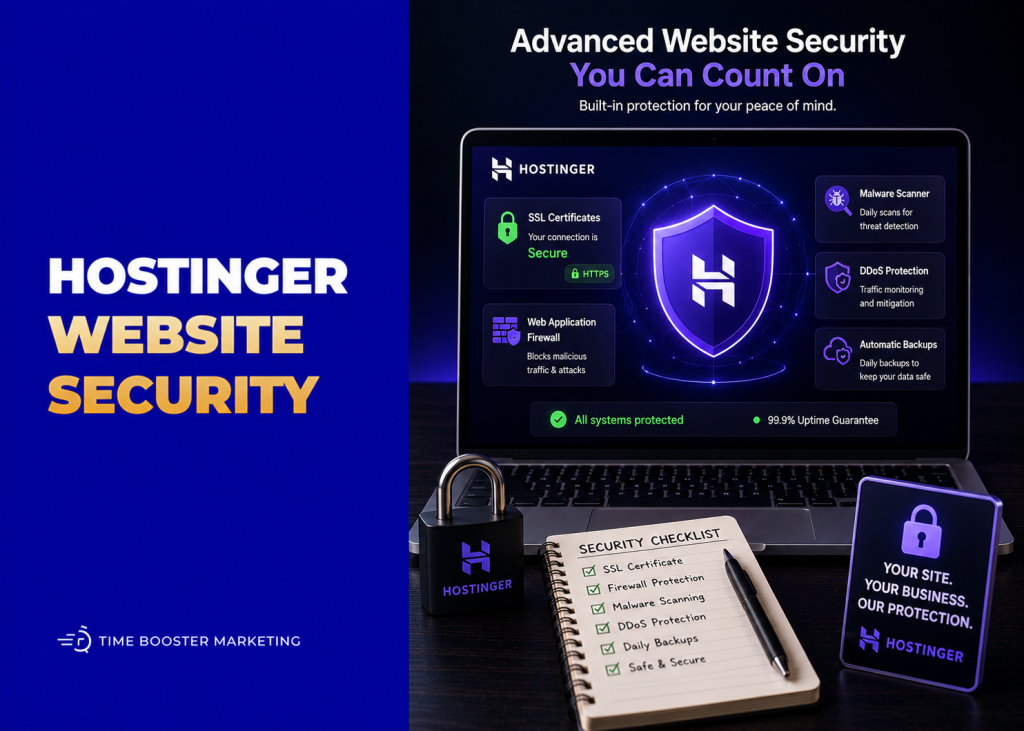
Step 8: Add SSL and Basic Security
Your website should load with https://, not only http://.
SSL helps secure the connection between your website and visitors. Hostinger’s WordPress tutorial material and setup flow commonly reference SSL as part of launching a site, and many hosting plans include SSL support.
Before announcing your website, check that:
- The site opens with
https:// - Forms work correctly
- WhatsApp buttons open properly
- Contact details are correct
- Pages load on mobile
- Images are not too heavy
- The menu works
- The footer has complete information
Most visitors in Cameroon will view your site on a phone, so mobile experience matters more than desktop perfection.
Step 9: Connect the Website to Google Search
Launching the website is not the end. Google still needs to discover and index it.
Set up Google Search Console so you can monitor whether your pages appear in Google Search, check indexing problems, and understand which search queries bring visitors. Google describes Search Console as a free tool for monitoring, maintaining, and troubleshooting a site’s presence in Google Search.
Also submit your sitemap, inspect important URLs, and make sure your homepage, service pages, and contact page can be indexed.
Your website should use search-friendly page titles such as:
Website Design Services in Douala
Catering Services in Yaoundé
Digital Marketing Agency in Cameroon
Real Estate Agency in Buea
A title like “Home” does not help customers or Google understand your business.
Step 10: Launch and Promote the Website
Once your website is ready, publish it everywhere your customers already interact with you.
Add the link to:
- WhatsApp Business profile
- Facebook page
- Instagram bio
- LinkedIn profile
- Google Business Profile
- email signature
- invoices
- flyers
- business cards
- SMS campaigns
- proposals
- storefront signs
A website becomes useful when customers can actually find it.
Do not wait until the site is perfect. Launch a clean, accurate first version, then improve it every month.
Beginner Checklist Before You Go Live
Before launch, confirm:
- Hosting is active
- Domain is connected
- SSL is working
- Homepage is complete
- Contact details are correct
- WhatsApp button works
- Pages load on mobile
- Images are compressed
- Menu links work
- Business location is clear
- Google Search Console is connected
- Backup settings are understood
- Renewal dates are saved
Also save your login details safely. Many beginners lose access because they forget which email, card, or account was used to buy hosting and domain.
Build the Website, Then Build Trust
Hostinger can help you launch the technical side of your website. But the business value comes from what you put on it.
Your website should explain your offer clearly, answer customer questions, show proof, and make contacting you easy. A Cameroonian customer may still prefer to close the sale through WhatsApp, but the website helps them verify that your business is real, serious, and organized.
Start simple. Buy the right hosting plan. Register a clean domain. Choose WordPress or Hostinger Website Builder. Build the core pages. Connect SSL. Test everything on mobile. Submit the site to Google. Then keep improving it with better content, clearer service pages, and stronger proof.
A website is not just an online brochure. Done properly, it becomes your business address on the internet.