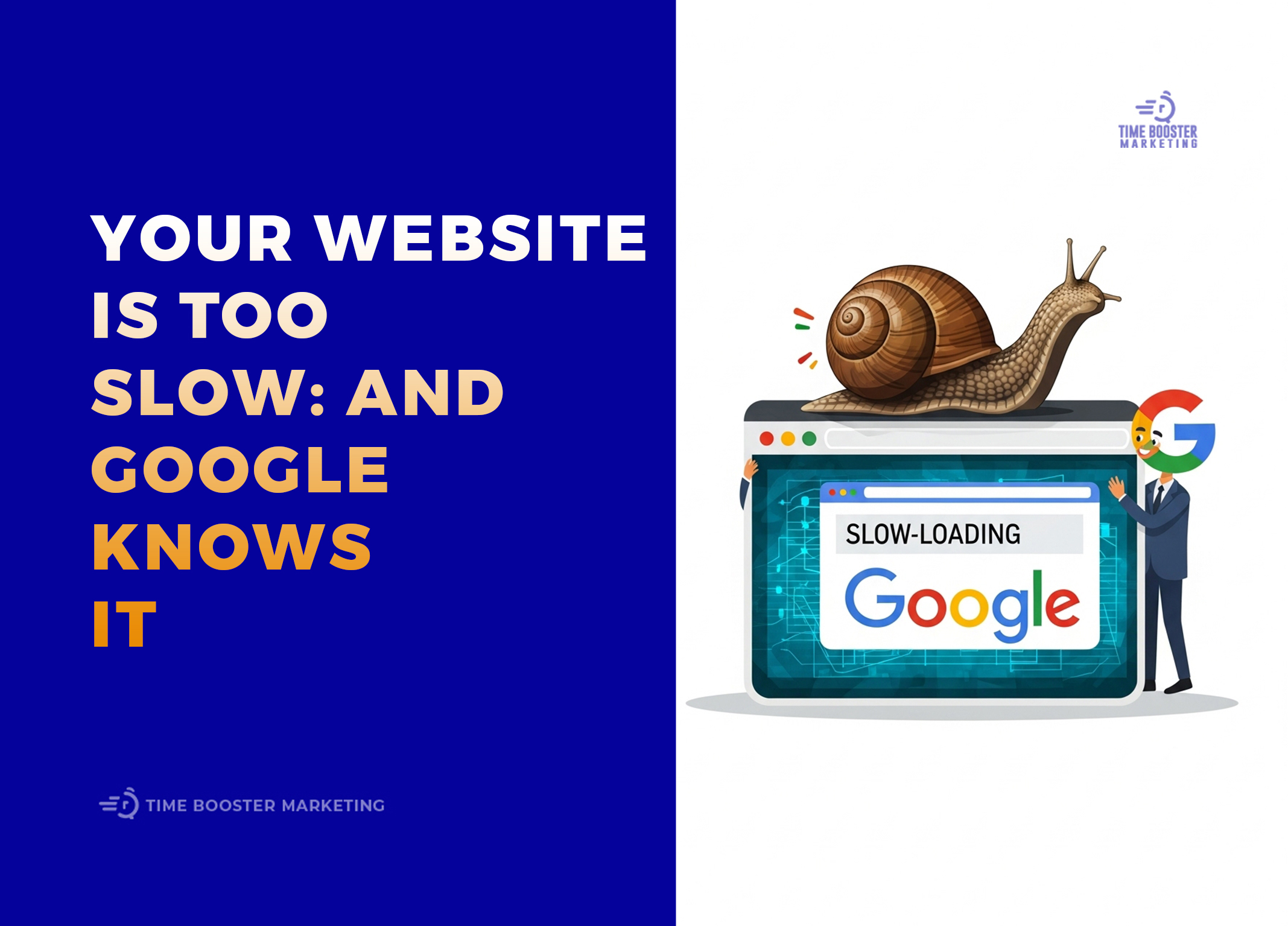
Building a website that serves an audience in Cameroon comes with a unique set of challenges and opportunities. You are connecting with a vibrant, mobile-first population that is increasingly online. But how do you ensure your website offers a smooth, fast, and enjoyable experience for every visitor, whether they are in Douala on a fast connection or in a rural area with limited data? The answer lies in mastering a set of technical metrics known as Core Web Vitals. This guide will provide you with a complete playbook for Core Web Vitals optimizations tailored specifically for the realities of the Cameroonian market.

Core Web Vitals are a set of specific factors that Google considers important for a website’s overall user experience. They measure how quickly your page loads, how soon it becomes interactive, and how visually stable it is. A good score can lead to better search engine rankings and, more importantly, happier users who stay longer and convert more often. A bad score means frustrated visitors who click away before your content even has a chance to load. We’ll cut through the technical jargon and give you actionable advice to make your site a joy to use for every Cameroonian visitor.
Understanding the Cameroonian Digital Landscape
Before we dive into the “how,” it’s crucial to understand the “why.” Why do these optimizations matter so much in Cameroon? The digital context here is different from that in North America or Europe.
- Mobile-First is Mobile-Only for Many: For a large portion of the population, a smartphone is not just the primary way to access the internet; it’s the only way. Websites must be designed and optimized for small screens and mobile browsers from the ground up.
- Data is a Precious Resource: Unlike unlimited home broadband plans common elsewhere, many Cameroonians use prepaid mobile data bundles. Every megabyte counts. A heavy, slow-loading website doesn’t just waste a user’s time; it costs them real money.
- Network Speeds are Variable: While cities like Yaoundé and Douala have access to 4G and improving connectivity, network speeds can be inconsistent across the country. Your website needs to be resilient and perform well even on slower 2G or 3G connections.
Ignoring these realities means you are alienating a huge portion of your potential audience. Mastering Core Web Vitals optimizations is not just a technical task; it’s an act of respecting your user’s time, money, and experience.
What Are the Core Web Vitals? A Quick Refresher
Google’s Core Web Vitals consist of three main metrics. Let’s break them down in simple terms.
- Largest Contentful Paint (LCP): This measures loading performance. It’s the time it takes for the largest single element on your page (usually a hero image, a video, or a large block of text) to become visible to the user. A good LCP score is under 2.5 seconds. For your user, this is the moment they feel the page has actually loaded something useful.
- First Input Delay (FID) / Interaction to Next Paint (INP): This measures interactivity. It’s the time from when a user first tries to interact with your page (by clicking a button or tapping a link) to the time when the browser can actually respond to that interaction. A good FID score is under 100 milliseconds. This metric reflects how responsive and snappy your page feels. Note: INP is set to replace FID as a Core Web Vital in March 2024, measuring all interactions, but the optimization principles are similar.
- Cumulative Layout Shift (CLS): This measures visual stability. It quantifies how much your page content unexpectedly jumps around while it’s loading. A low CLS score means the page is stable and doesn’t have annoying shifts where you accidentally click the wrong thing.
Your goal is to get all three of these metrics into the “Good” (green) range for the majority of your users.
Essential Tools for Diagnosing Your Site
You can’t fix what you can’t measure. Before you start making changes, you need to diagnose your site’s current performance.
- Google PageSpeed Insights: This is your primary tool. Simply enter your website’s URL, and it will give you a performance score for both mobile and desktop, along with your Core Web Vitals scores. Most importantly, it will provide a list of specific “Opportunities” and “Diagnostics” to show you exactly what to fix.
- Google Search Console: Inside your Search Console account, there is a dedicated “Core Web Vitals” report. This shows you how your site’s pages are performing based on real-world usage data from Chrome users. It groups your URLs into “Good,” “Needs Improvement,” and “Poor,” so you know which pages to prioritize.
- WebPageTest: This is a more advanced tool that allows you to test your website’s performance from different locations and on different network speeds. You can simulate a 3G connection to see how your site truly performs for a user with a slower connection.
Start by running your most important pages (homepage, product pages, blog posts) through PageSpeed Insights to get a baseline and a checklist of issues to tackle.
Strategy 1: Mastering LCP with Advanced Image Optimization
For most websites, the Largest Contentful Paint element is an image. Therefore, optimizing your images is the single most effective way to improve your LCP score, especially for the Cameroonian market.
Large, unoptimized images are data-heavy and slow to download. Your goal is to make your image files as small as possible without sacrificing acceptable visual quality.
Actionable Steps for Image Optimization:
- Choose the Right Format:
-
- JPEG: Best for photographs. You can significantly compress JPEGs with minimal perceived quality loss.
- PNG: Use for graphics that require a transparent background, like logos.
- WebP: This is a modern format that offers superior compression compared to both JPEG and PNG. It’s supported by all modern browsers and is an excellent choice for the Cameroonian market due to its small file sizes.
- Compress, Compress, Compress: Before you upload any image, run it through a compression tool.
-
- Online Tools: TinyPNG or Squoosh are fantastic and easy-to-use web apps.
- WordPress Plugins: If you use WordPress, plugins like Smush or ShortPixel can automatically compress images upon upload.
- Serve Responsive Images: Don’t serve a massive desktop-sized image to a mobile user. Use the
<picture>element or thesrcsetattribute in your HTML to allow the browser to choose the most appropriately sized image for the user’s screen. - Lazy Load Off-Screen Images: “Lazy loading” means that images below the fold (outside the user’s initial view) are not loaded until the user scrolls down to them. This speeds up the initial page load significantly. Most modern CMS platforms and plugins offer this feature.
By implementing these image strategies, you drastically reduce the amount of data a user needs to download, which directly leads to a faster LCP. This is one of the most critical Core Web Vitals optimizations you can make.
Strategy 2: Tackling FID/INP by Optimizing Code
A slow or unresponsive page (poor FID/INP) is usually caused by heavy JavaScript. When the browser is busy parsing and executing large script files, it can’t respond to the user’s clicks and taps.
How to Reduce JavaScript’s Impact:
- Minify Your Code: Minification is the process of removing all unnecessary characters from your CSS and JavaScript files (like spaces, comments, and line breaks) to reduce their size. Most caching plugins and build tools can do this automatically.
- Defer Non-Critical JavaScript: Not all scripts need to load right away. JavaScript for a chatbot, social sharing buttons, or analytics can be “deferred” to load after the main, visible content of the page has finished rendering. This frees up the browser to handle user interactions sooner.
- Remove Unused CSS and JavaScript: Over time, websites accumulate code from old plugins or features that are no longer in use. Use tools like the “Coverage” tab in Chrome DevTools to identify and remove this dead weight.
- Avoid Long-Running Tasks: Work with your developers to break up any long, complex JavaScript functions into smaller, asynchronous tasks. This prevents a single script from blocking the main thread for too long.
These code optimizations make your page feel snappier and more responsive, directly improving your interactivity scores.
Strategy 3: Achieving a Stable Layout to Crush CLS
Cumulative Layout Shift is that annoying experience where you’re about to tap a link, and an ad loads in, pushing the link down so you tap the ad instead. These layout shifts are frustrating and are a key focus of Core Web Vitals optimizations.
CLS is almost always caused by elements loading in without having space reserved for them.
How to Fix Cumulative Layout Shift:
- Specify Dimensions for Images and Videos: Always include
widthandheightattributes on your<img>and<video>tags. This allows the browser to reserve the correct amount of space for the media before it even downloads. - Reserve Space for Ads and Embeds: If you display ads, work with your ad provider to reserve a fixed-size container for the ad slot. This prevents the ad from pushing content down when it loads. The same applies to embedded content like YouTube videos or social media feeds.
- Be Careful with Web Fonts: When a page first loads, it might display a system font and then swap to your custom web font once it’s downloaded. If the two fonts are different sizes, this can cause a significant layout shift. Use
font-display: swap;with caution and try to find a system font that is a close match to your web font to minimize the shift. - Avoid Injecting Content Above Existing Content: If you need to add a banner or a notification to the top of the page, make sure it doesn’t push the existing content down.
By creating a stable, predictable layout, you provide a much less frustrating experience for your users.
Strategy 4: Leveraging Caching and a CDN
Browser Caching
Browser caching tells a visitor’s browser to save certain files (like your logo, CSS, and JavaScript) on their device. When they visit another page on your site, their browser can load those files from local storage instead of re-downloading them, making subsequent page loads much faster. This is particularly effective for repeat visitors.
Content Delivery Network (CDN)
A CDN is a network of servers distributed around the world. It stores a copy of your website’s static assets (images, CSS, JS). When a user in Cameroon visits your site, the CDN serves those assets from a server that is geographically closer to them, rather than from your main server, which might be in Europe or North America. This reduces latency and speeds up download times. Cloudflare is a popular and excellent CDN that offers a generous free plan perfect for getting started.
Implementing both browser caching and a CDN is a powerful combination for improving site speed for a Cameroonian audience.
Optimizing for Core Web Vitals is not just about pleasing Google’s algorithm. It’s about showing respect for your users. In a market like Cameroon, where mobile is king and data is a valued commodity, a fast, lightweight, and stable website is a powerful competitive advantage.
By focusing on these key strategies, you can significantly improve your user experience:
- Aggressively optimize images to reduce page weight.
- Clean up and defer your JavaScript to improve interactivity.
- Reserve space for all elements to create a stable layout.
- Use caching and a CDN to serve content faster.
Start by measuring your site, pick the issue with the biggest impact, and fix it. Then move on to the next one. This iterative process of Core Web Vitals optimizations will lead to better rankings, higher engagement, and most importantly, a loyal audience that loves using your website. The effort you put in will pay dividends in user trust and business growth.