


“Are You a Bot?” Screens Can Get Pages Dropped by Google: SEO Risks and Fixes
Bot protection is essential for many websites. E-commerce stores, SaaS platforms, publishers and local business websites all need to defend against scraping, spam, fake traffic, account abuse and automated attacks.
But when bot protection is configured incorrectly, it can create a serious SEO problem.
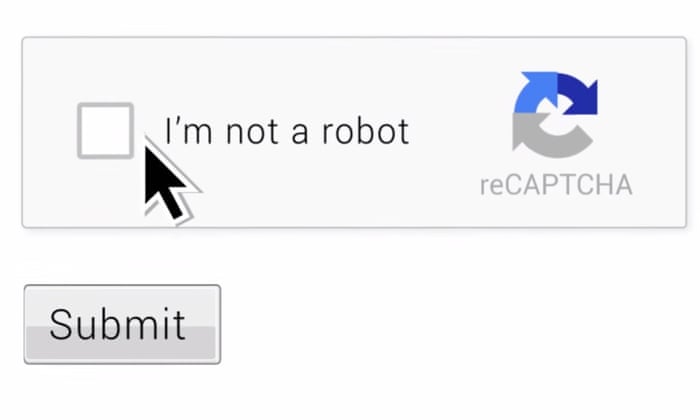
Google’s John Mueller recently explained that “Are you a bot?” verification screens can cause pages to be dropped from Google Search if Googlebot cannot access the real content. According to Search Engine Journal, the problem happens when Google sees the same bot-check page instead of the unique content on each URL. In that situation, Google may treat pages as duplicates, remove the real pages from the index, or choose another URL as canonical. (Search Engine Journal)
For SEO teams and developers, the message is clear: security tools should block harmful bots, but they must not block Googlebot from crawling and rendering important public pages.
Why “Are You a Bot?” Screens Are an SEO Risk
An “Are you a bot?” screen is usually an interstitial page shown by a security system, CDN, firewall or anti-abuse tool. It may ask users to complete a challenge, wait for browser verification or prove they are human before seeing the page.
These tools can be useful for stopping malicious traffic. But Googlebot does not interact with websites like a normal human user.
If Googlebot requests a page and receives only a verification screen, it may not see the actual content behind it. Google’s technical requirements say pages that should appear in Search need to be accessible to Googlebot, and Search Console’s Page Indexing and Crawl Stats reports can help identify inaccessible pages. (Google for Developers)
The risk is especially high when every URL returns the same verification screen.
To Google, those pages may appear identical.
That can cause several SEO problems:
- Google may index the verification screen instead of the real page.
- Google may drop the page because it cannot see meaningful content.
- Google may classify many URLs as duplicates.
- Google may select a different URL as canonical.
- Google may replace your page with another site’s version if that version is crawlable.
This is not a minor technical issue. It can affect visibility, rankings and revenue.
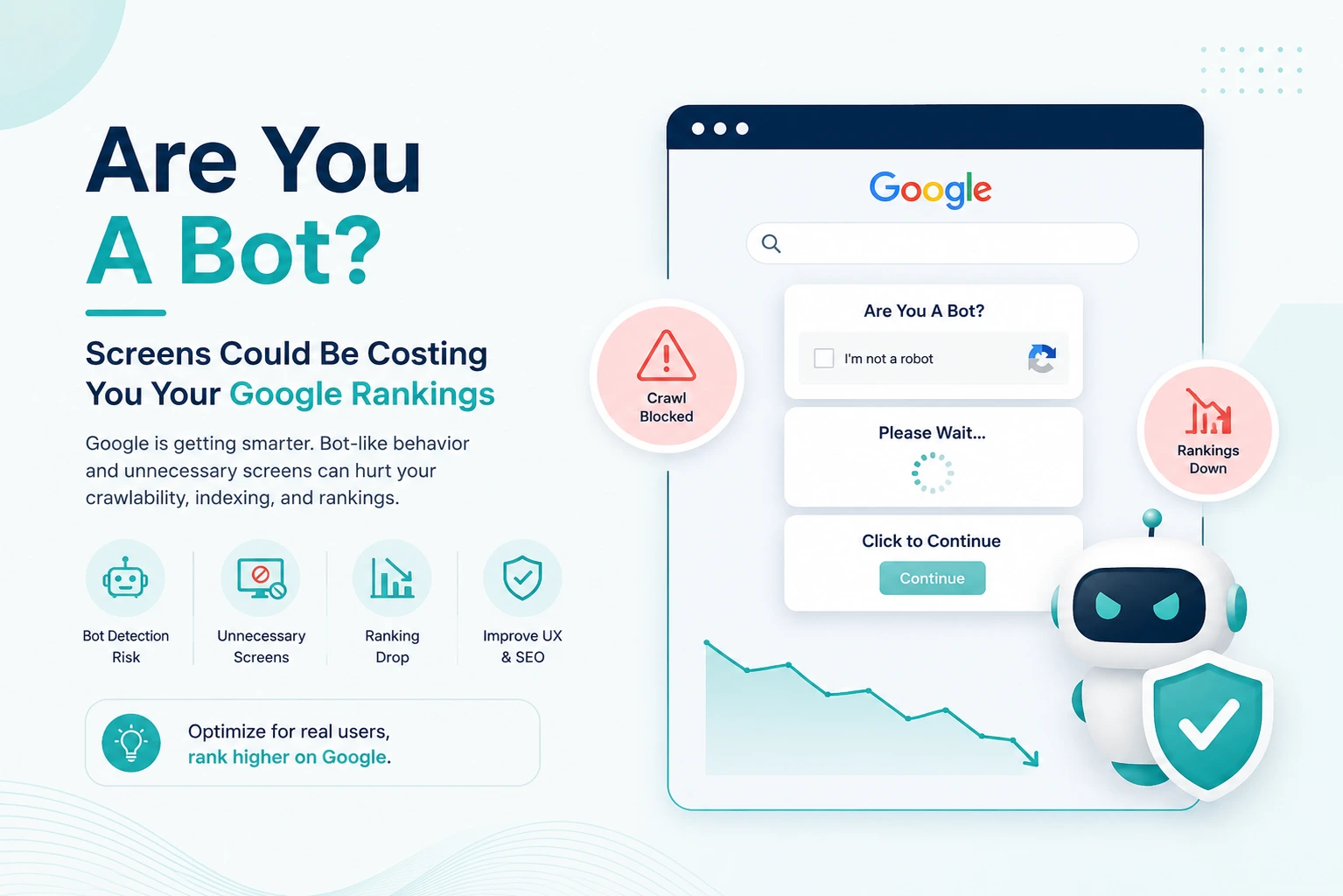
How Bot Screens Can Cause Canonical Problems
Canonicalization is the process Google uses to choose the main version of a page when multiple URLs appear to contain the same or very similar content.
Normally, this helps Google avoid indexing duplicate pages. But if your site’s pages all show the same bot-check screen to Googlebot, Google may not see the real differences between them.
Search Engine Journal’s report explains that Mueller said this can cause Google to view the page as a duplicate of another page, potentially even a page from another site. (Search Engine Journal)
That means your original content could lose its place in Google Search if Google cannot access it but can access similar content elsewhere.
For example, imagine a product page, blog post or documentation page that is blocked by an anti-bot screen. If another site has copied, syndicated or quoted that content and Google can crawl the copy, Google may choose the accessible version as canonical.
From a search engine’s perspective, the accessible page is easier to understand and serve.
From the site owner’s perspective, the original page has effectively been hidden behind a wall.
CAPTCHA and Verification Screens Are Not the Same as Security
A common mistake is assuming that more friction always means more security.
A strict verification screen may block bad bots, but it can also block good crawlers, accessibility tools, monitoring systems and legitimate users. That can create business problems beyond SEO.
For search visibility, the issue is simple: Google needs to fetch the content.
Google has previously explained that it cannot see content behind CAPTCHA-style barriers unless the site provides an accessible version of the content to Googlebot. Search Engine Journal has also covered Google’s guidance that content hidden behind CAPTCHA can be invisible to Google’s crawlers. (Search Engine Journal)
This does not mean every website must remove bot protection. It means bot protection needs to be configured intelligently.
Common Situations That Trigger the Problem
Bot-check indexing issues often happen when security systems are deployed quickly or aggressively.
Common causes include:
CDN or Firewall Rules Blocking Googlebot
Some sites use CDNs or web application firewalls to challenge suspicious traffic. If Googlebot IPs are incorrectly classified as suspicious, Google may receive a challenge page instead of content.
User-Agent Based Mistakes
Some systems try to identify Googlebot by user agent alone. That is risky because user-agent strings can be spoofed. Google recommends verifying Googlebot properly rather than trusting the user-agent text by itself.
JavaScript Verification Pages
Some anti-bot systems require JavaScript execution, cookies or browser state before showing content. Googlebot can render JavaScript, but it may not complete the same verification flow as a human browser.
Overly Broad Country or Region Blocks
If a site blocks traffic from certain regions or networks, it may accidentally block Googlebot infrastructure.
Emergency DDoS Settings Left Enabled
During an attack, teams may activate stricter protection. The SEO problem begins when those settings stay active after the attack ends.
Blocking All Unknown Bots
Some security rules treat any crawler-like behaviour as suspicious. That may block legitimate search crawlers along with malicious bots.
How to Diagnose Whether Googlebot Is Being Blocked
If pages suddenly disappear from Google, lose rankings or show unusual indexing problems, bot protection should be part of the technical SEO audit.
Use URL Inspection in Google Search Console
Google Search Console’s URL Inspection tool can show whether Google can fetch and render a URL. If the rendered HTML or screenshot shows a verification screen instead of the page content, that is a major warning sign.
Check Crawl Stats
Search Console’s Crawl Stats report can help identify spikes in server errors, blocked requests, unusual response codes or changes in Googlebot activity.
Review Server Logs
Server logs can reveal what Googlebot actually received. Look for Googlebot requests returning 403, 429, 503, JavaScript challenge pages or unusual redirects.
Compare Human and Googlebot Responses
Fetch the same URL as a normal browser and as Googlebot. The response should be substantially the same for public content.
Verify Googlebot IPs
Do not rely only on the user-agent string. Fake Googlebot traffic is common, and Google provides methods to verify whether a crawler is genuinely Googlebot.
Monitor Canonical Changes
If Google suddenly selects unexpected canonicals in Search Console, blocked content may be one possible cause.

What Website Owners Should Do
The goal is not to remove all bot protection. The goal is to protect the site without hiding public content from legitimate crawlers.
1. Allow Verified Googlebot to Access Public Content
Make sure verified Googlebot requests can access indexable pages without being forced through a human challenge.
This does not mean allowing fake Googlebot traffic. It means correctly verifying Googlebot and applying rules accordingly.
2. Avoid Serving the Same Verification Page on Every URL
If a bot-check page must appear, avoid letting Google treat it as the main content of every URL. Repeated identical challenge pages can create duplicate-content and canonicalization problems.
3. Use Less Intrusive Bot Controls Where Possible
Rate limiting, behaviour-based filtering, reputation scoring and verified crawler allowlists can often reduce risk without placing a hard wall in front of every visitor.
4. Test Important Templates
Do not test only the homepage. Check category pages, product pages, articles, landing pages, documentation, location pages and other SEO-critical templates.
5. Coordinate SEO and Security Teams
Security teams may not see indexing losses immediately. SEO teams may not understand why firewall rules changed.
Both teams need a shared escalation process when bot protection affects crawl access.
6. Keep Emergency Mode Temporary
If strict bot protection is activated during an attack, create a process to review and reduce it after the threat passes.
7. Watch Search Console After Security Changes
Any firewall, CDN, WAF or bot-management change should be followed by Search Console monitoring.
Look for changes in indexing, crawl rate, canonical selection and page rendering.
What SMEs Should Know
Small and medium-sized businesses often install bot protection through hosting companies, CDN providers or security plugins without fully understanding how those tools affect search engines.
That creates a risk: a business owner may think they are improving security while accidentally reducing Google visibility.
For SMEs, the safest approach is to keep public marketing pages accessible to search engines while applying stronger protection to sensitive areas such as login pages, checkout steps, admin dashboards and account pages.
A local business website, ecommerce store or service landing page should not require users or Googlebot to pass an unnecessary challenge before seeing basic public content.
If organic search drives leads or sales, bot protection should always be tested from an SEO perspective.
Security and SEO Should Work Together
The real lesson is not that anti-bot tools are bad. They are often necessary.
The lesson is that security systems must understand the difference between malicious automation and legitimate crawling.
A good setup protects sensitive systems while allowing public content to remain crawlable.
That balance matters because Google’s indexing depends on what Googlebot can actually access. If Googlebot sees a wall, a challenge or a blank page, it cannot reliably index the real content.
For technical teams, this means bot protection should be part of SEO QA.
Before launching or changing a bot-management system, ask:
- Can Googlebot access public pages?
- Is Google seeing the real HTML content?
- Are important URLs returning 200 status codes?
- Are challenge pages being indexed?
- Are canonicals still correct?
- Are security rules blocking verified crawlers?
- Are Search Console reports showing new crawl issues?
These checks can prevent avoidable traffic losses.
Practical SEO Checklist for Bot Protection
Use this checklist after installing or updating any bot-protection tool:
- Test important pages with Google Search Console URL Inspection.
- Review rendered HTML and screenshots.
- Check whether Googlebot receives the real content.
- Confirm key pages return 200 status codes.
- Verify Googlebot using IP verification, not user-agent alone.
- Review CDN, WAF and firewall challenge rules.
- Check whether challenge pages are being indexed.
- Monitor canonical selections in Search Console.
- Review server logs for Googlebot errors.
- Retest after every major security change.
Conclusion: Bot Protection Should Not Hide Your Website From Google
“Are you a bot?” screens may protect websites from abuse, but they can also create serious SEO damage when they block Googlebot.
Google’s warning is straightforward: if Google cannot see your real page content, it may drop pages from the index, index the wrong thing or choose another URL as canonical. (Search Engine Journal)
For website owners, developers and SEO teams, the solution is balance.
Keep strong protection against malicious bots, but make sure verified search crawlers can access public, indexable content. Test crawl access regularly, monitor Search Console, and review bot-protection settings whenever rankings or indexing suddenly change.
Security should protect your website. It should not make your best pages invisible to Google.
Sources
- Search Engine Journal: “Are You A Bot” Screens Can Get Your Pages Dropped By Google. (Search Engine Journal)
- Google Search Central: Google Search technical requirements. (Google for Developers)
- Search Engine Journal: Google Can’t See Content Behind Captchas. (Search Engine Journal)


