


Google is testing a new Chrome feature designed to make Gemini available at the moment users encounter something they want to understand.
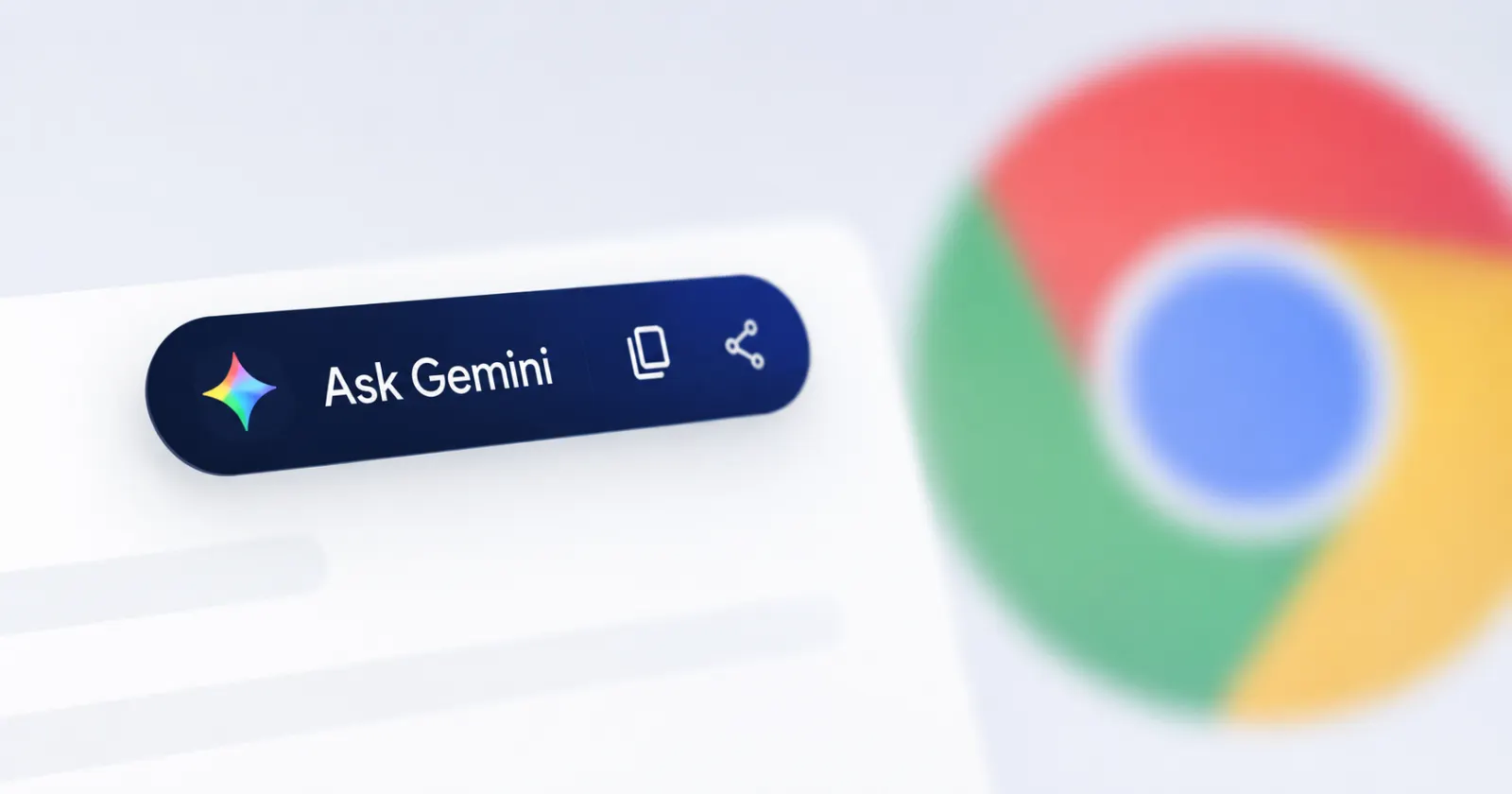
The experimental feature introduces a floating toolbar that appears after text is highlighted on a webpage. Alongside familiar actions such as copying and sharing, the toolbar includes an Ask Gemini option that can send the selected passage directly to Chrome’s Gemini side panel.
The test represents another step in Google’s effort to transform Gemini from a separate chatbot into a built-in layer of the browsing experience.
For everyday users, the feature could reduce the friction involved in researching unfamiliar subjects, explaining technical language or asking follow-up questions about an article. For marketers, publishers and business owners, it could influence how online content is discovered, interpreted and used.
What Chrome Is Testing
The experimental toolbar has been identified in Chrome Canary, the browser version Google uses to test early-stage features before they are considered for wider distribution.
When a user selects text on a webpage, Chrome may display a floating menu containing four main options:
- Ask Gemini
- Copy
- Share
- A three-dot menu for additional controls
Selecting Ask Gemini transfers the highlighted passage into the Gemini side panel, where the user can ask questions or continue the conversation without manually copying the text or opening a separate AI service. (Windows Report)
The three-dot menu currently includes options such as Hide for this site and Settings. The site-level control is intended to prevent the toolbar from appearing on selected websites.
However, some elements remain unfinished. The Settings option has reportedly redirected testers to Chrome’s general content settings rather than a dedicated configuration page for the new toolbar. (Windows Report)
Chromium development references reportedly describe the feature internally as the Inline Cue Menu. Google also appears to be developing a dedicated settings page and an exception list for websites where users have disabled the prompt. (Windows Report)
How the Ask Gemini Shortcut Works

Chrome already provides ways to send webpage content to Gemini, including its browser side panel and an Ask Gemini option in certain contextual menus.
The new floating toolbar changes where that interaction begins.
Instead of highlighting text, opening a right-click menu and selecting an AI action, users could access Gemini immediately beside the selected passage. Chrome would then place the text into the Gemini interface, allowing the user to enter a question such as:
- “Explain this in simpler language.”
- “What does this term mean?”
- “Summarize the main argument.”
- “Is this claim supported by the rest of the article?”
- “Turn this information into action points.”
- “How could this affect my business?”
The underlying capability is not entirely new. The main change is the reduction of steps between selecting information and asking an AI assistant to interpret it.
That convenience could make Gemini feel less like a separate destination and more like a standard browser control.
Why the Feature Matters
The most important part of the experiment is not the floating menu itself. It is the shift toward contextual AI assistance.
Traditional web browsing requires users to move between several actions. A person may find a paragraph, copy it, open another tab, visit an AI platform, paste the passage and then write a question.
The Ask Gemini toolbar could compress that workflow into a single selection and click.
This may be particularly useful when reading:
- Industry reports
- Legal or regulatory updates
- Technical documentation
- Research papers
- Product specifications
- Competitor websites
- Long-form news articles
- Marketing analytics reports
For SMEs with limited research teams, faster access to contextual explanations could help employees process information more efficiently. However, the quality of the result would still depend on the question asked, the available context and the accuracy of Gemini’s response.
AI-generated answers should therefore support—not replace—source verification and professional judgment.
Gemini Is Becoming a Core Part of Chrome
The highlighted-text shortcut fits into a much broader expansion of Gemini across Chrome.
Google says Gemini in Chrome can help users summarize content, compare information across multiple tabs and interact with services such as Gmail, Calendar, Maps and YouTube without leaving the current webpage. (blog.google)
Chrome users can already access Gemini through a browser icon or a configured keyboard shortcut on supported desktop devices. Google’s support documentation also describes controls for managing shared tabs, permissions and whether the current tab is shared by default. (Gemini)
Google has also been developing additional AI-powered browser tools, including AI Mode in the address bar, cross-tab analysis, reusable AI skills and agentic capabilities intended to perform certain online tasks on a user’s behalf. (blog.google)
The floating Ask Gemini menu should therefore be viewed as part of a larger strategy: bringing AI assistance closer to every stage of browsing.
What It Could Mean for Marketers and Publishers
Web content may become increasingly “prompt-ready”
Readers may no longer consume a webpage only from beginning to end. They may select individual claims, definitions, statistics or recommendations and ask an AI assistant to interpret them.
This creates a stronger incentive for publishers to make each section understandable in isolation.
Clear headings, well-defined terms and paragraphs that contain sufficient context may become more important. A passage that relies heavily on information several screens earlier could be harder for an AI assistant to interpret accurately when selected on its own.
Specificity will become more valuable
Generic marketing statements are easy to summarize but provide limited value.
Content containing clear evidence, named examples, practical steps and transparent methodology is more likely to produce useful AI-assisted answers. Publishers should explain not only what they recommend, but why the recommendation matters and under which conditions it applies.
This is good editorial practice regardless of AI. Contextual browser assistants could make its importance more visible.
Readers may spend less time switching between tools
A built-in Gemini action could allow users to investigate a claim without opening a separate application.
This could help readers remain engaged with the original page. It could also change how they interact with content, because the AI side panel may become the primary interface for asking follow-up questions.
Publishers should therefore make sources, dates, author information and supporting evidence easy to identify. These signals help both readers and AI systems understand the reliability and context of a webpage.
Content differentiation will become harder
When AI can instantly summarize standard explanations, publishing another basic overview may not be enough to attract attention.
Businesses may need to invest more heavily in content that offers something difficult to reproduce through a generic AI response, including:
- Original research
- Local market knowledge
- Proprietary data
- Expert interviews
- First-hand experience
- Detailed case studies
- Practical templates
- Industry-specific analysis
For local SMEs, regional expertise can be a major differentiator. Information about local pricing, customer behaviour, infrastructure, regulations or distribution challenges often provides more practical value than a broad international overview.
Privacy and Workplace Considerations
The convenience of sending selected text to an AI assistant also creates questions about data handling.
Google’s documentation states that Gemini in Chrome can use content from tabs shared with it. Users can review shared tabs, stop sharing individual pages and change whether the current tab is shared by default. Google also provides controls for permissions and Gemini availability within Chrome. (Google Help)
The experimental toolbar’s Hide for this site option suggests that Google is considering situations where users do not want the prompt to appear. However, the surrounding controls are still under development and may change before any public release. (Windows Report)
Businesses should establish clear policies before employees use browser-based AI tools with sensitive information.
Employees should avoid submitting confidential client data, financial records, unpublished business plans, passwords, private communications or protected intellectual property unless the organisation has approved the tool and its data-handling arrangements.
The presence of an AI shortcut does not automatically make every selected passage appropriate for AI processing.
Is the Ask Gemini Toolbar Available Now?
The feature has been observed in Chrome Canary, but it is not a confirmed stable Chrome release.
Canary features are experimental. They may change significantly, remain limited to selected testers or disappear before reaching the public version of Chrome. Google had not publicly announced a stable launch for the highlighted-text toolbar at the time of reporting. (Windows Report)
Being on the latest Canary version may not guarantee access because Google can enable experiments selectively.
Gemini in Chrome itself is expanding more broadly. On June 10, 2026, Google announced a rollout of several Gemini-powered Chrome features to desktop and iOS users in Latin America, Africa, the Middle East and additional markets. Availability may still depend on the user’s location, device, account, language and subscription. (blog.google)
What Businesses Should Watch Next
Several unanswered questions will determine how important the feature becomes:
Stable Chrome availability
The largest factor will be whether the toolbar progresses beyond Canary and becomes available to mainstream Chrome users.
Administrative controls
Organisations will want to know whether administrators can disable the feature, limit data sharing or manage it through enterprise Chrome policies.
Website-level preferences
The reported exception list could help users disable the floating menu on websites where it is distracting or inappropriate.
Mobile support
The current report focuses on a desktop Canary experiment. A similar text-selection workflow on mobile devices could have an even larger impact because selection toolbars are already a familiar part of smartphone interfaces.
User adoption
A highly visible AI button does not guarantee frequent use. Its long-term value will depend on response quality, speed, reliability and whether users find the toolbar helpful rather than intrusive.
Conclusion
Chrome’s experimental Ask Gemini toolbar is a relatively small interface change with broader implications.
By placing an AI shortcut directly beside highlighted text, Google could make AI-assisted interpretation a routine part of reading the web. Users would be able to move from encountering information to questioning it almost immediately.
For businesses, the development reinforces two priorities.
First, online content should be clear, specific and supported by evidence because readers may increasingly examine individual passages through AI tools. Second, organisations need practical rules governing how employees use integrated AI assistants around confidential or sensitive information.
The feature remains an early Chrome Canary experiment, and there is no guarantee it will reach the stable browser. Even so, it offers a useful preview of where web browsing is heading: toward a model in which search, reading, analysis and AI assistance increasingly happen inside the same interface.


